
Rental Chronology
Renting online is typically a new experience for many. We've created this simple chronology to give you a little insight into the experience of renting.
Take note of the highlighted texts — they are key points in the process
Chat with Vendor
Contact the vendor via the Chat with Me option on the store's page to make arrangements on delivery time and method.
Respond to Renter
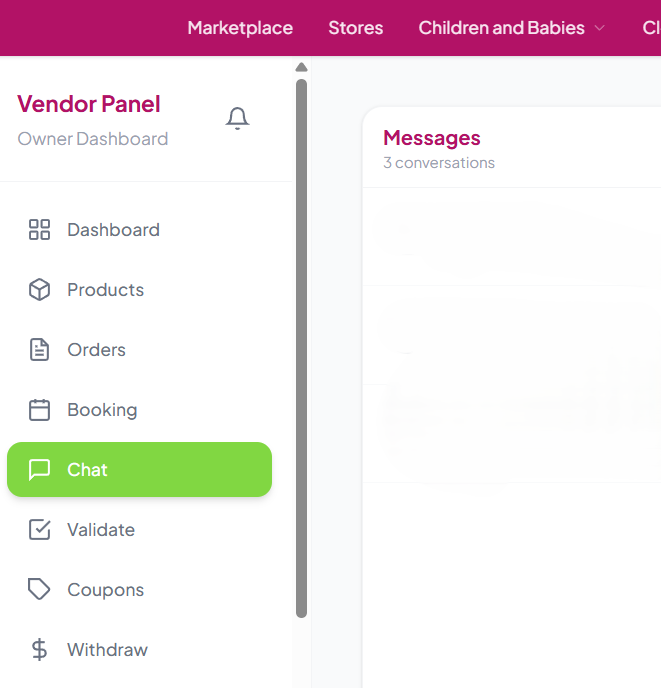
The renter will contact you via the Chat with Me option to make arrangements on delivery time and method.
Pass the QR Digit Code to Vendor
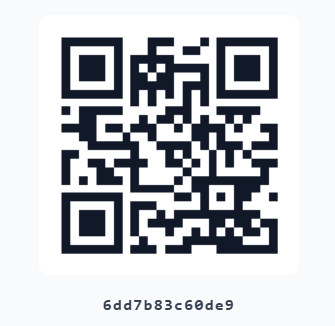
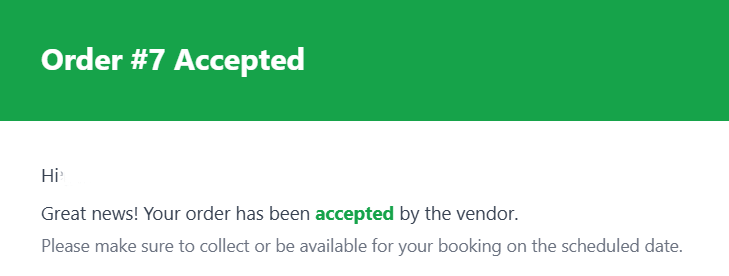
Renter needs to pass the QR digit code that is received via email upon booking's approval to the vendor before receiving the item.
Confirm the QR Digit Code
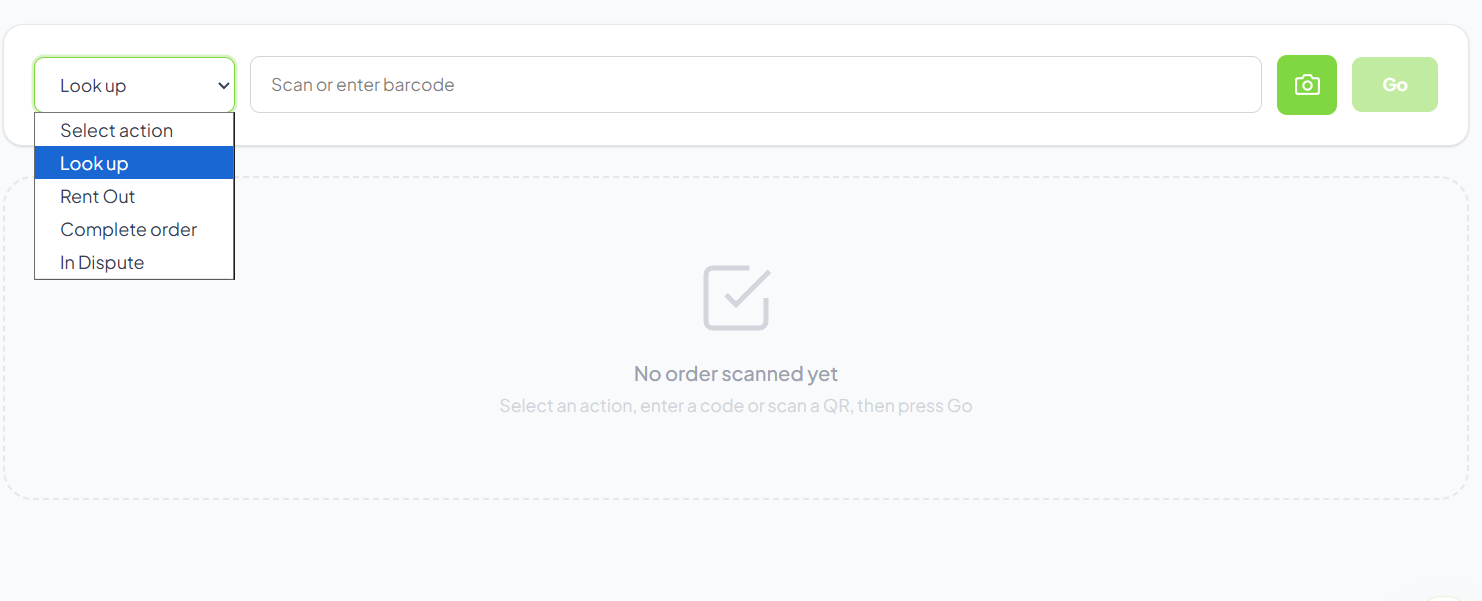
Item will be passed to the renter upon code confirmation by vendor following the steps below:
At this stage insurance cover will take place on the item rented.
Validate the QR Digit Code
After approving the booking, you will receive a QR digit code from the renter. Validate it in the vendor's dashboard.

Meet & Exchange
Meet & exchange items with the vendor. Please ensure that item is in working condition and satisfies your requirements.
Meet & exchange items with the renter. Please ensure that the item is in working condition and has been cleaned prior to dispatching the item.
Receive Returned Item & Complete Rental
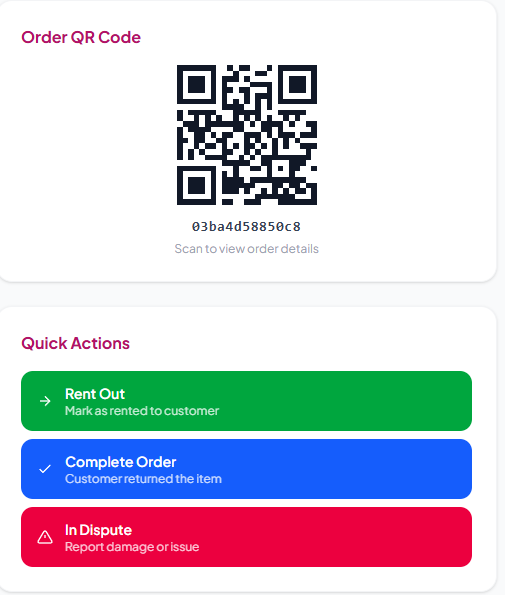
Confirm the item is working and in the same condition as when delivered. Use the QR code in Validate QR and click the "Complete Order" button in your Vendor Dashboard to complete the rental. In case any damage has been done to the item, click on Item Dispute.
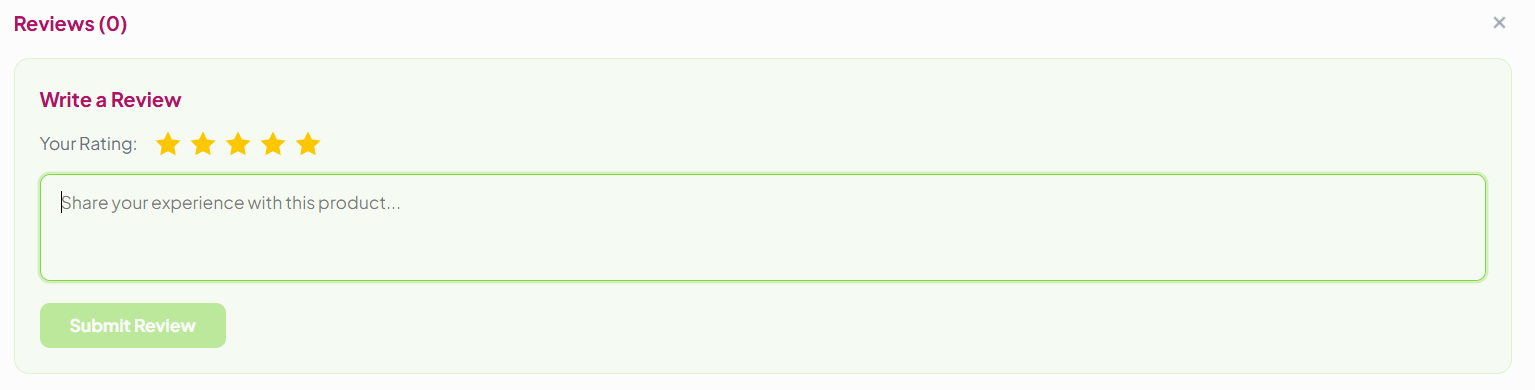
Leave a Review & Get Refund
Review is highly suggested as it can be beneficial for future renters and helps the vendor's store as well. Also, your $100 security deposit will be automatically refunded a few days after the booking is completed.
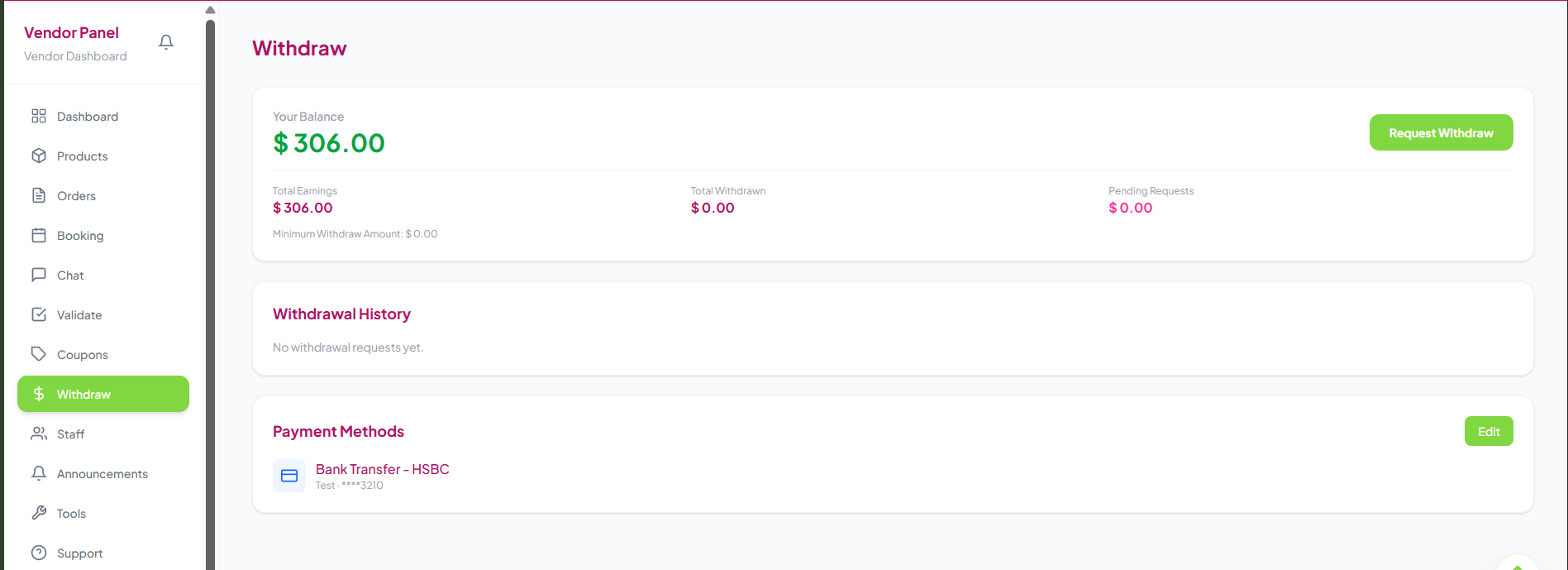
Get Paid 🎉
Once the rental is complete, your account will be updated with the earning from this order and you can withdraw it from the Vendor's Dashboard
Ready to Start Renting?
Now that you know the full process, jump in and start your rental journey!